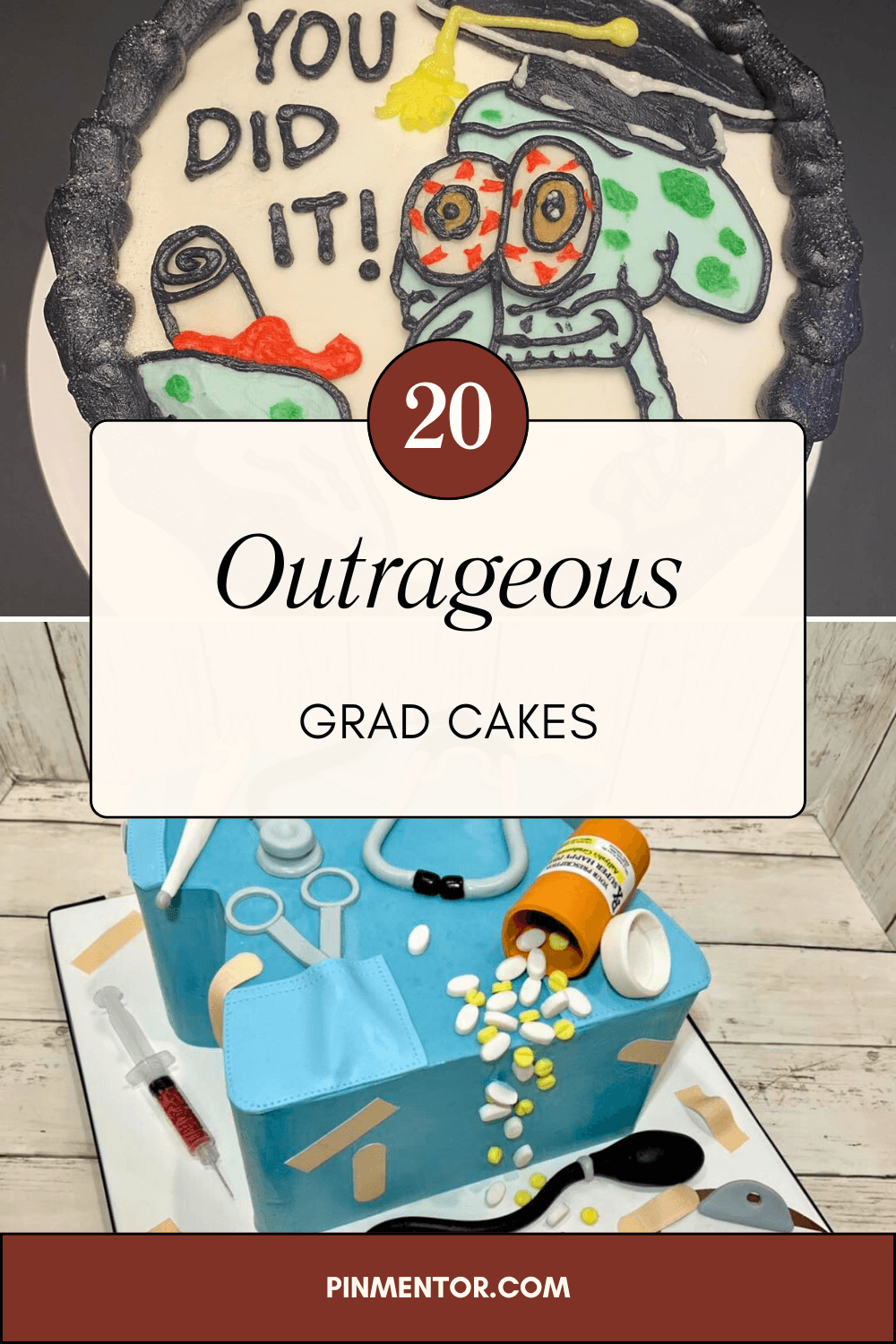
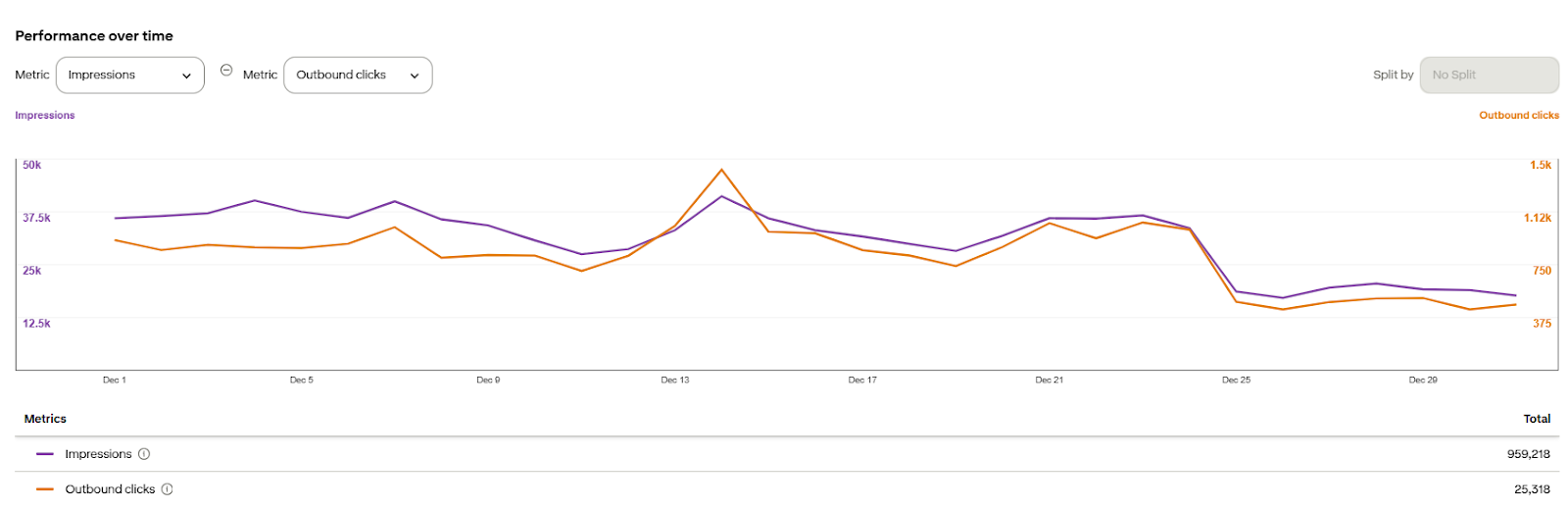
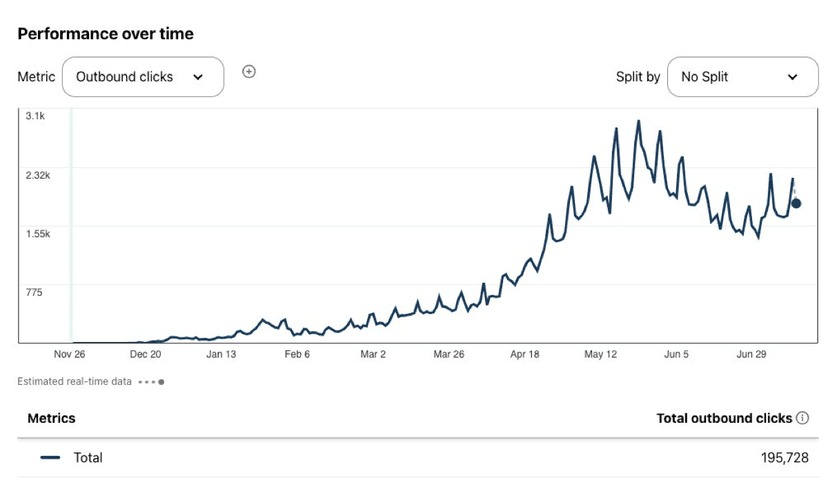
50,000+ Pins Created & Published

Automate Your Pinterest Workflow in Minutes

Turn keywords into Pinterest-friendly articles, create ready-to-publish pins, and schedule them to your connected Pinterest account - all from one place.

Save hours of manual work, stay consistent, and grow your organic reach with an automation system built for Pinterest publishers.

  • All-in-one Pinterest automation
  • AI article writer
  • Bulk pin generation
  • Smart scheduling
  • Template-based pin creation
  • AI-powered board selection
hero Image

Turn Keywords and Articles into Ready-to-Publish Pins

PinMentor helps you create Pinterest-friendly articles, generate multiple pin titles, descriptions, and alt text, then schedule or publish them to your connected Pinterest account - all in one smooth workflow.

Build a Pinterest System That Saves Time and Scales

Creating Pinterest content one by one takes too much time. PinMentor removes that manual work by turning your keywords, article URLs, and images into ready-to-use pins in minutes. From content creation to pin generation and publishing, everything stays organized inside one platform so you can stay consistent, save hours, and grow your organic traffic faster.

  • Generate Pins Fast

  • AI Writing Assistant

  • Ready-Made Templates

  • Pinterest-Focused Workflow

Create More Pins, Stay Consistent, and Reach More People

PinMentor helps you turn keywords, articles, and images into Pinterest-ready pins faster, so you can publish consistently without spending hours on manual creation.

image

Generate Pins in Seconds

Use your article URL and images to instantly create multiple Pinterest pin titles, descriptions, and alt text, ready for scheduling or publishing.

image

Create Pinterest Pins in Minutes

Turn your keyword, article, and images into ready-to-publish Pinterest content with a simple 4-step workflow.

1

Add Your Keyword or Article

Start with a keyword or an existing article URL.

● Generate a Pinterest-friendly article from your keyword, or use your published article as the source.

● PinMentor pulls the content, URL, and images needed for pin creation.

● Everything is prepared inside one workflow, so you do not have to move between tools.

steps images
2

Generate Your Pins

Create multiple ready-to-use pins in seconds.

● Generate 5 or 10 pin variations based on your content.

● Instantly create pin titles, descriptions, and alt text for each pin.

● Use ready-made templates or bring in your Canva template for a custom look.

steps images
3

Customize and Organize

Fine-tune your pins before publishing.

● Choose the pin style that fits your brand, including text-overlay and collage layouts.

● Adjust designs, edit copy, and update visuals inside the app.

● Let AI help match your pins with the most relevant boards.

steps images
4

Schedule or Publish

Send your pins to your connected Pinterest account.

● Review everything before publishing.

● Schedule pins in advance or publish them right away.

● Stay consistent on Pinterest without doing the work manually every day.

steps images

Choose the Plan That Fits Your Pinterest Workflow

Simple pricing for creators, bloggers, and marketers who want to create, generate, and publish Pinterest content faster.

Starter

For creators getting started with Pinterest automation

$29/month

$24.17/month

Billed at $290 annually

  • 5 Pinterest Accounts
  • Unlimited Websites
  • 500 Credits Per Month
  • Smart Pin Scheduling
  • Analytics
  • Custom Template Access
  • Email support
Save 40%

Pro

For growing brands ready to publish at scale

$49/month

$40.83/month

Billed at $490 annually

  • 25 Pinterest Accounts
  • Unlimited Websites
  • 1500 Credits Per Month
  • Own Image Upload
  • Smart Pin Scheduling
  • Analytics
  • Custom Template Access
  • Email support

Growth

For teams and marketers managing larger Pinterest workflows

$99/month

$82.50/month

Billed at $990 annually

  • 100 Pinterest Accounts
  • Unlimited Websites
  • 5000 Credits Per Month
  • Own Image Upload
  • Smart Pin Scheduling
  • Analytics
  • Custom Template Access
  • Email support

Simple Credit Usage for Every Action

Each feature uses credits based on the type of content you generate, so you always know how your usage is calculated.

  • 🖼️ Image Pin: 1 credit
  • ✍️ AI Text: 0.5 credits
  • 🔤 AI Alt Text: 1 credit
  • 📹 Video Pin: 25 credits
  • 🎨 AI Image: 10 credits
  • 📝 AI Image: 25 credits

Clear Insights for Smarter Pinterest Decisions

PinMentor gives you the visibility you need to understand your publishing activity and improve your Pinterest workflow. Stop relying on guesswork and start making decisions based on real content performance.

What our customer’s say about our company

“It saves a ton of time on pin designing and scheduling”
avatar

Robert Frost

Lead Designer

“It makes the design and post process far superior to other apps.”
avatar

Guy Hawkins

Developer

“I feel like Pinterest can finally become a solid marketing avenue for me”
avatar

Cody Fisher

UI Designer

“I love that after I finish a blog post, I can make some pins, and scheduled them out.”
avatar

Albert Flores

Junior Designer

“Its simple, effective and appears to always be improving”
avatar

Floyed Miles

Designer

Create, Generate, and Schedule Pinterest Pins Faster

Use PinMentor to turn your content into ready-to-publish pins with less manual work. Everything you need to manage your Pinterest workflow lives in one place.

  • No Credit Card Required

  • Free For 30 Day Trial.

logo

PinMentor helps you analyze, optimize, and scale your Pinterest strategy with powerful analytics and insights.

Resources

footer-seperator

@ PinMentor. All Rights Reserved